Beat Backing v.2.1
The metronome for Soundpost
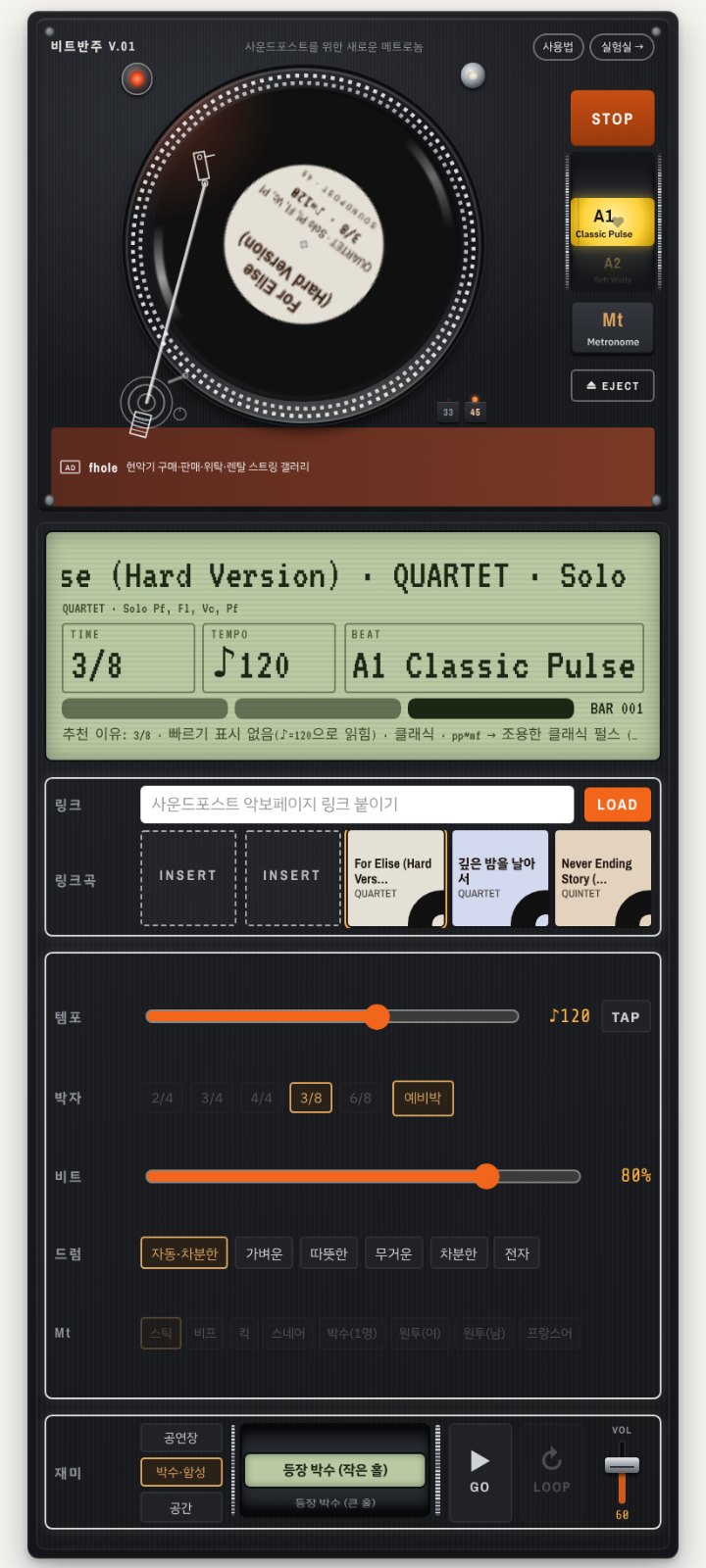
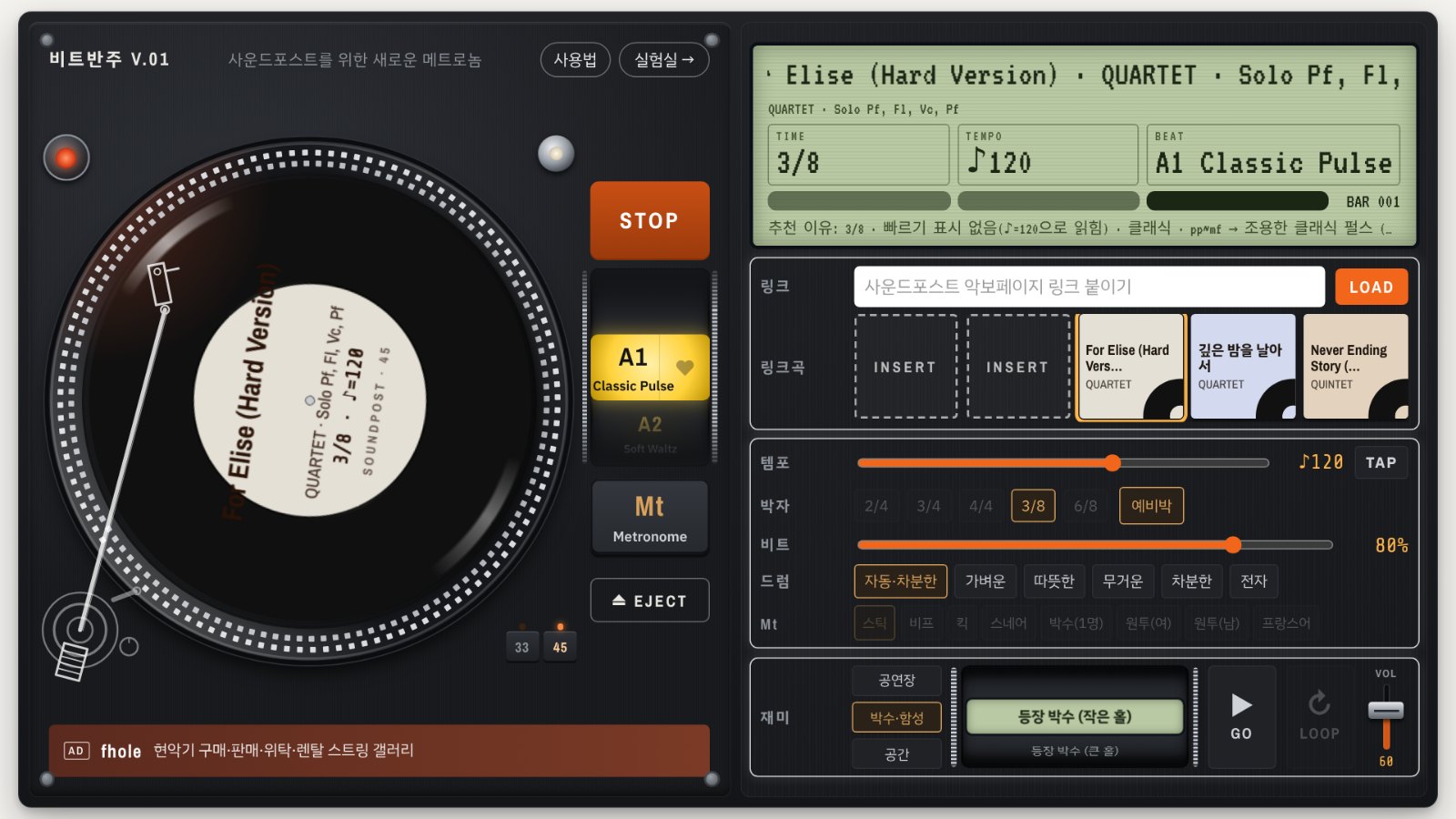
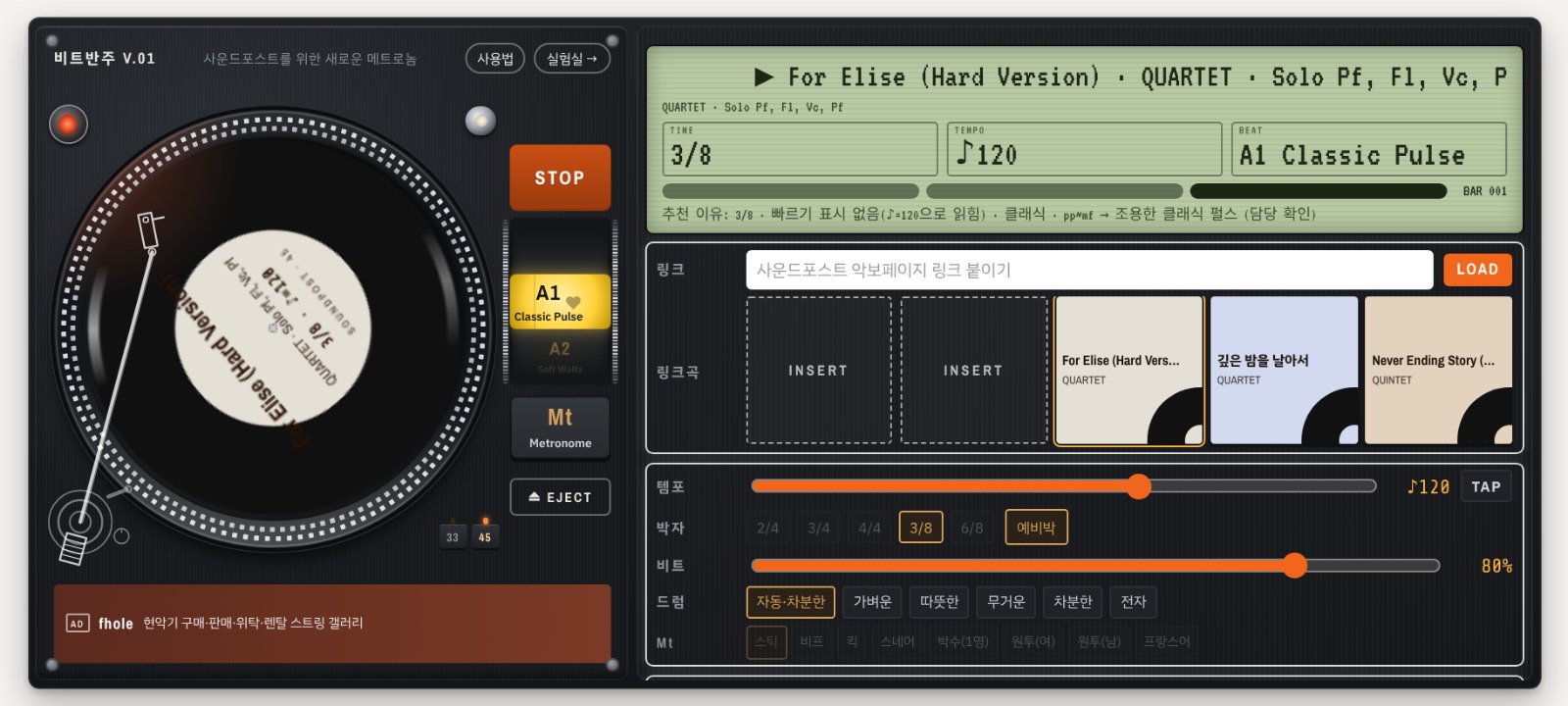
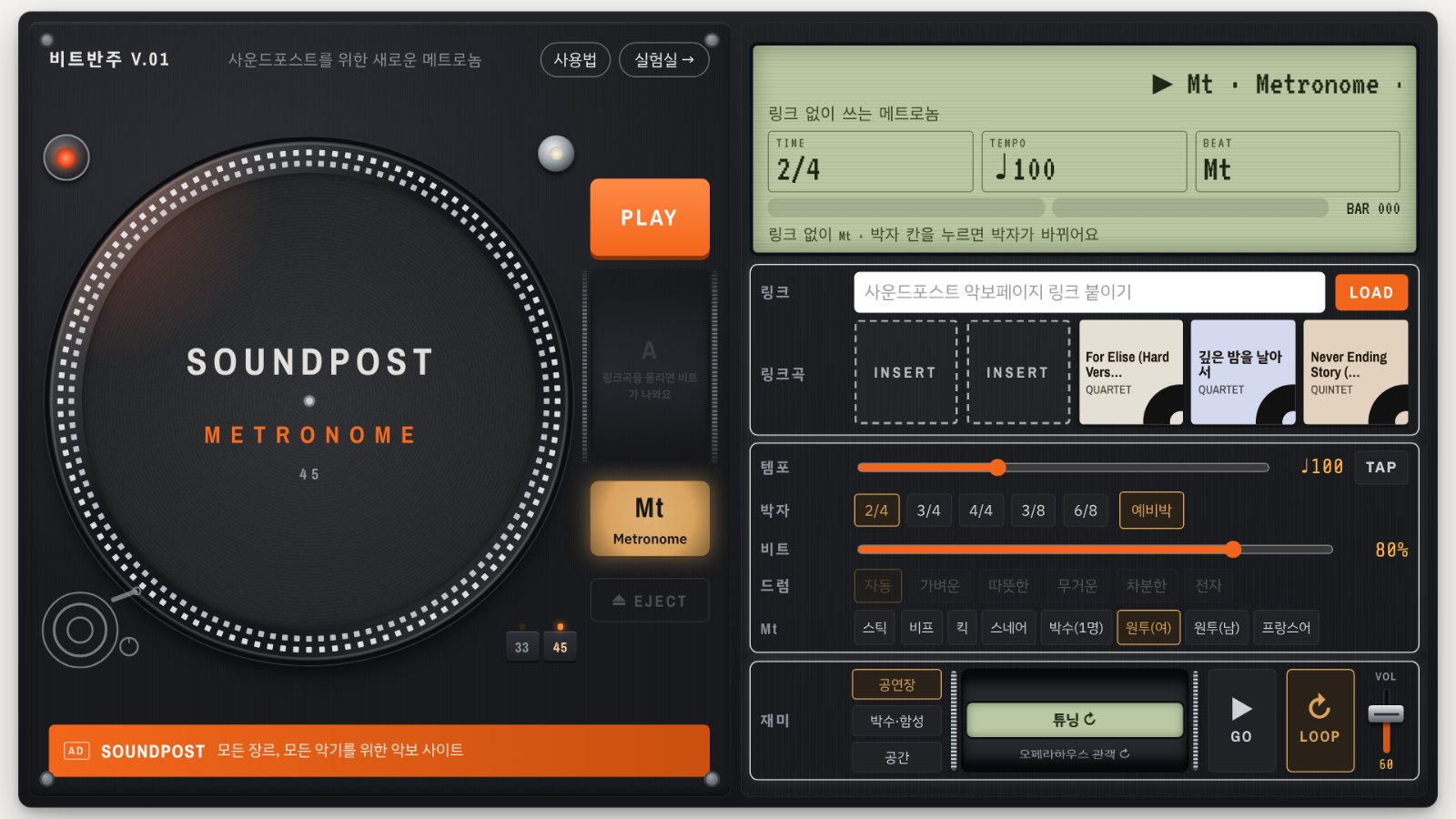
1 A metronome packed with a wide variety of sounds.
2. Paste a Soundpost sheet music link and it instantly reads the tempo, time signature and mood, then finds a beat that fits.
3. Includes fun sounds: cheers, applause, shouts and audience ambience.
Paste a Soundpost sheet music link and Beat Backing lays down a drum beat that fits the song.
Try it instead of a plain click when you practice from printed sheet music.
How to use
1. Copy a Soundpost product page link, paste it into the [링크] (Link) box and press LOAD.
2. The record drops onto the turntable, and the app reads the time signature and tempo of the score to pick matching beats.
3. Press PLAY and turn the wheel to try other beats. Tap ♥ on the beats you like.
4. Mt (metronome) works without a link: stick, beep, clap and spoken "one, two" counts.
5. Use [재미] (Fun) to add a concert hall crowd, applause or a jazz bar under your playing.
Good to know
- The app reads the time signature and tempo from the beginning of the sample score. Changes later in the piece are not followed.
- Scores without a tempo marking start at a default tempo. Adjust it with the tempo slider or TAP.
- The app keeps your 3 most recent linked songs on this device.
- The app screen is in Korean for now.
Put an icon on your phone's home screen — it opens full screen like an app, with no address bar.
Be the first to comment.