Flute 8keys V.01
Practise the eight keys of the flute with real songs, on PC and smartphone.
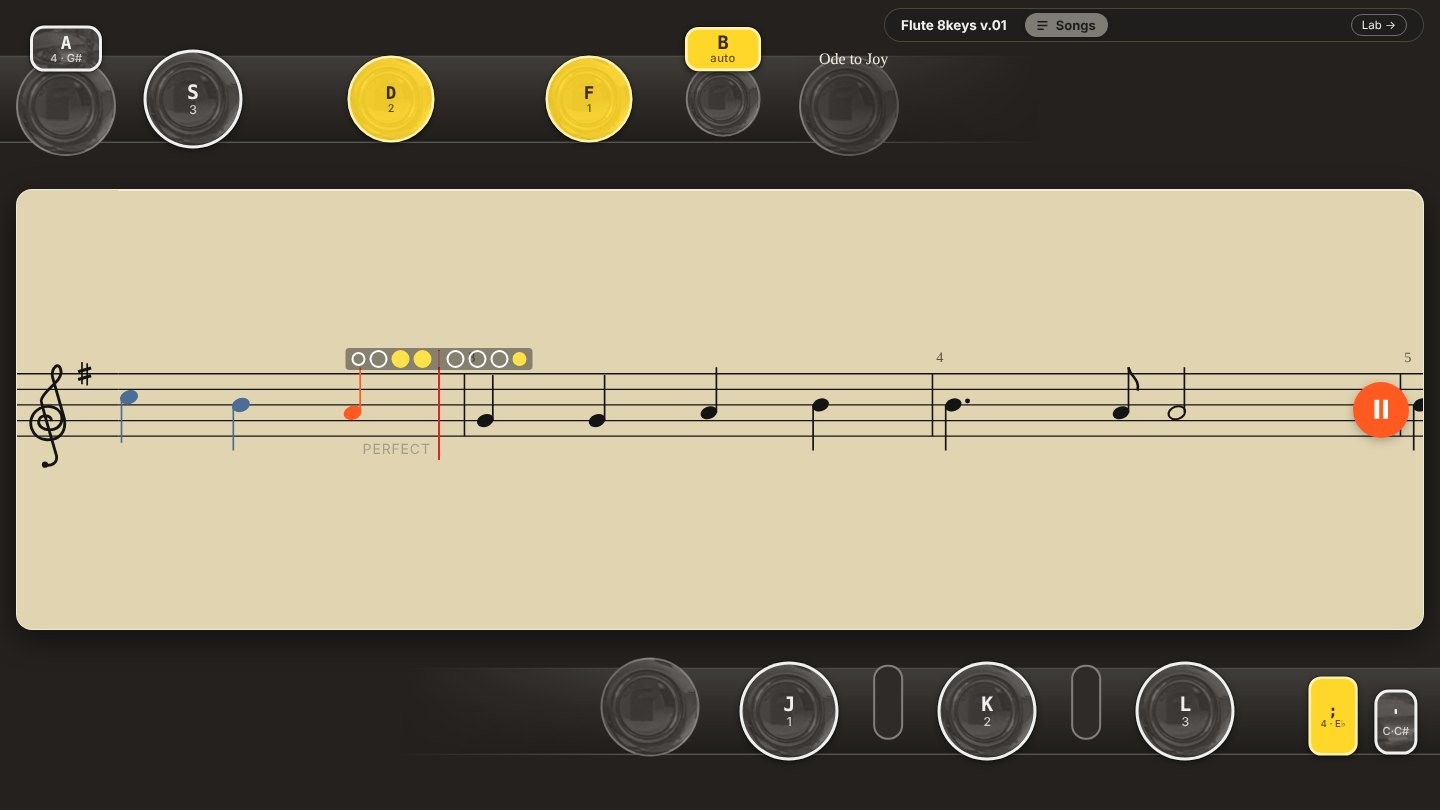
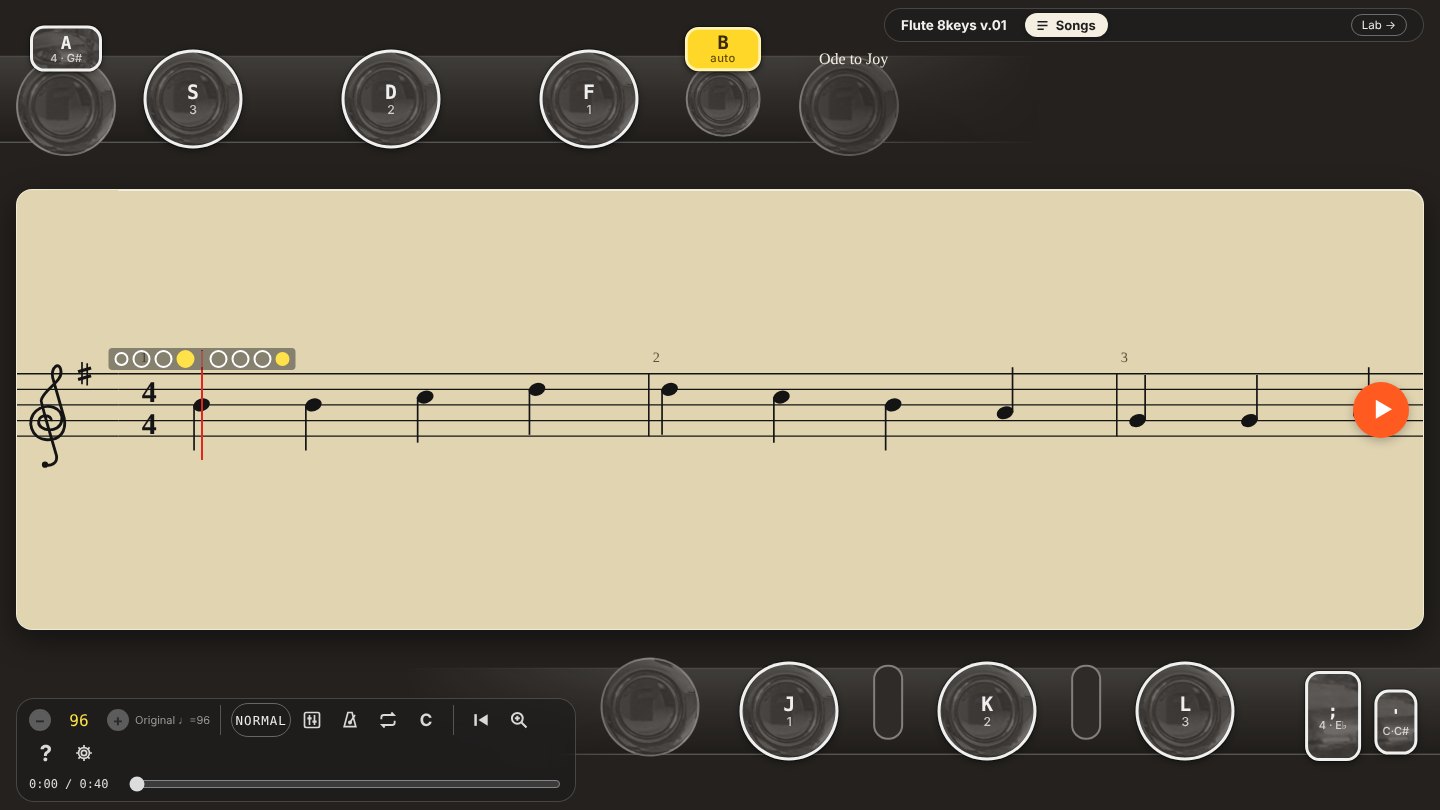
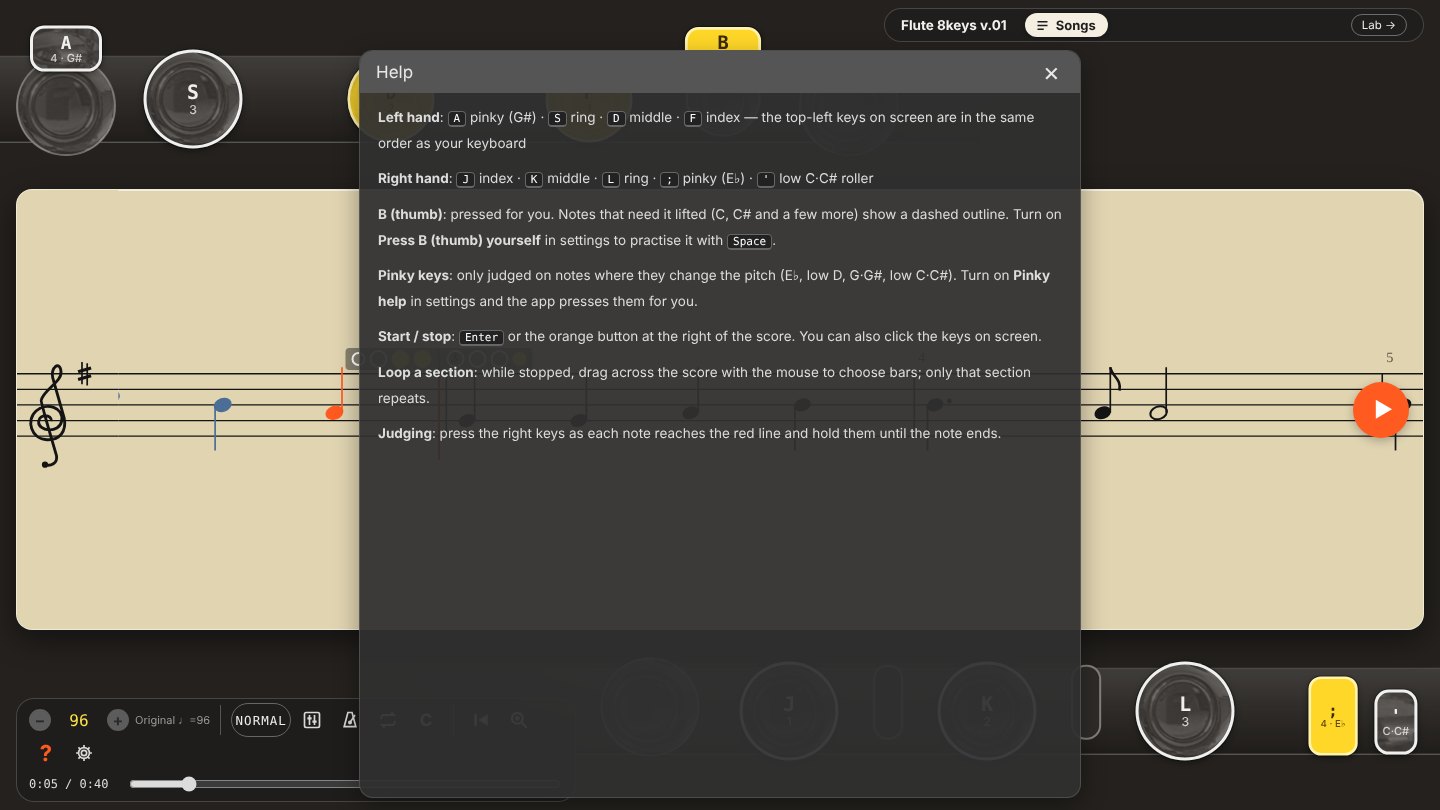
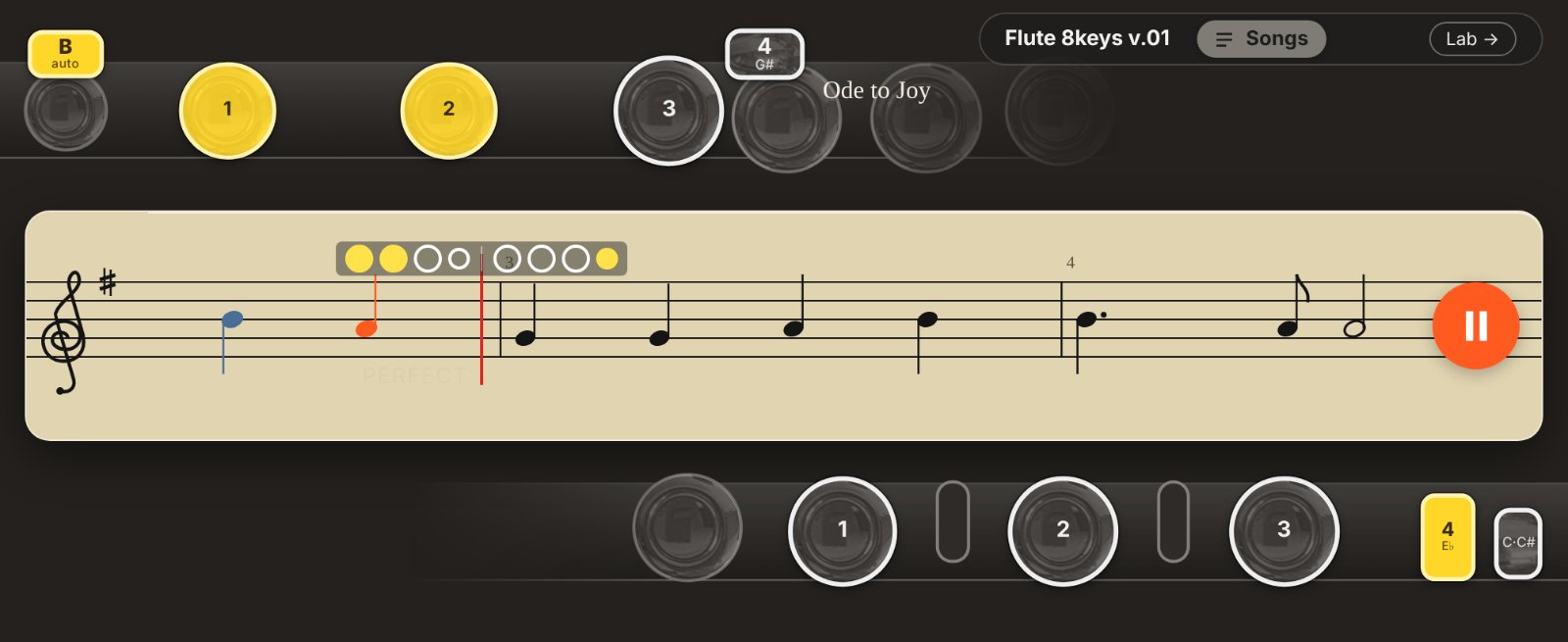
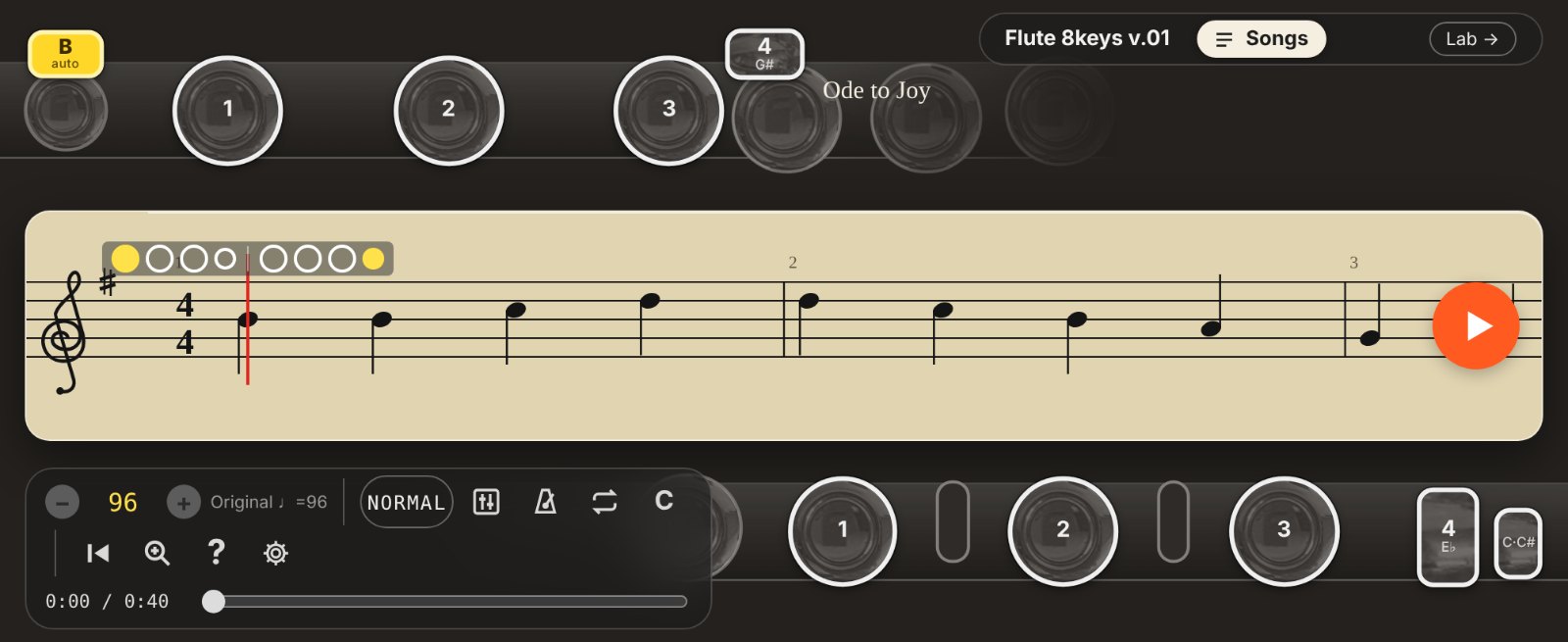
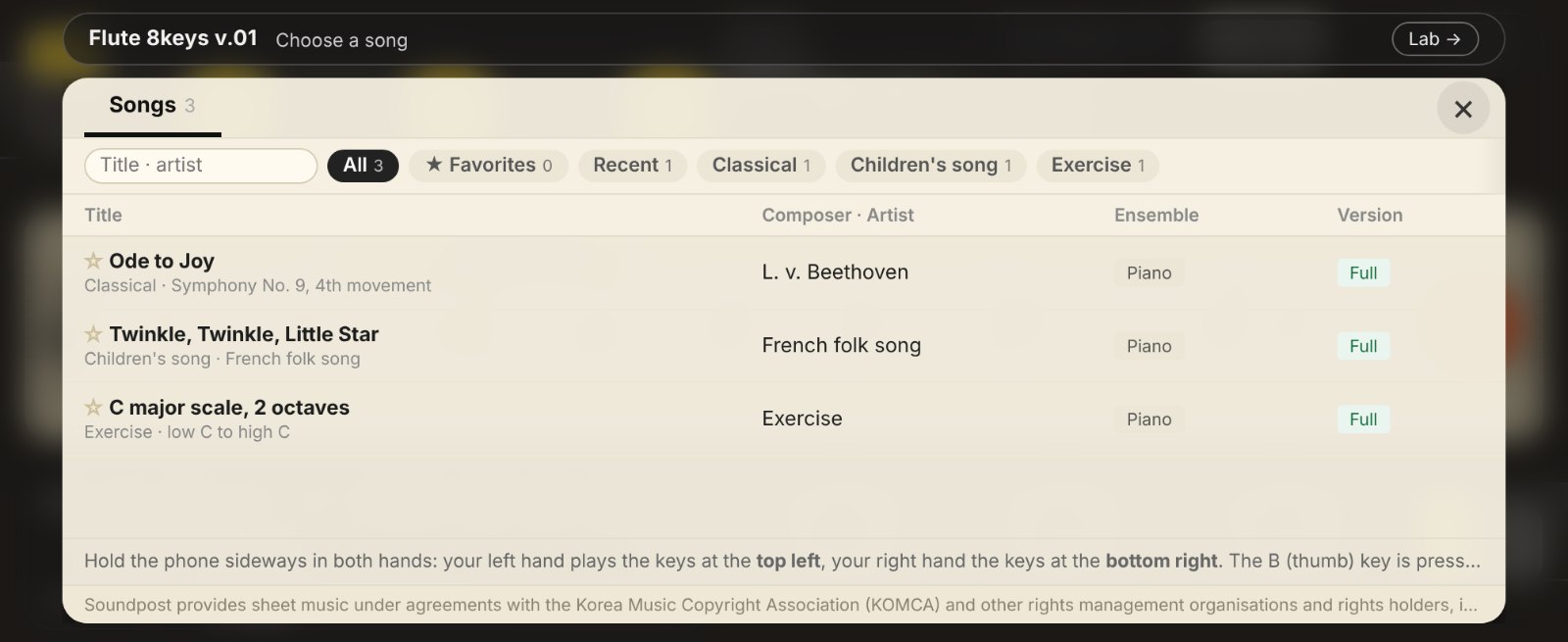
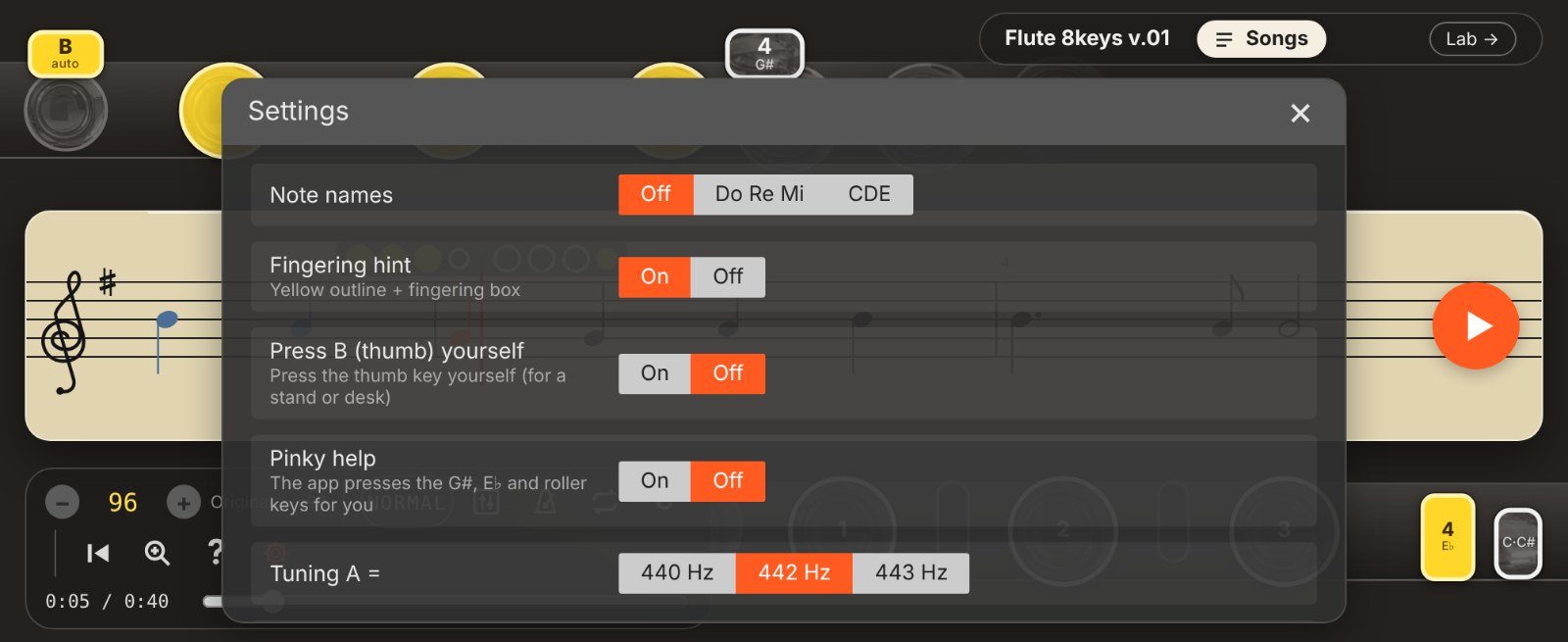
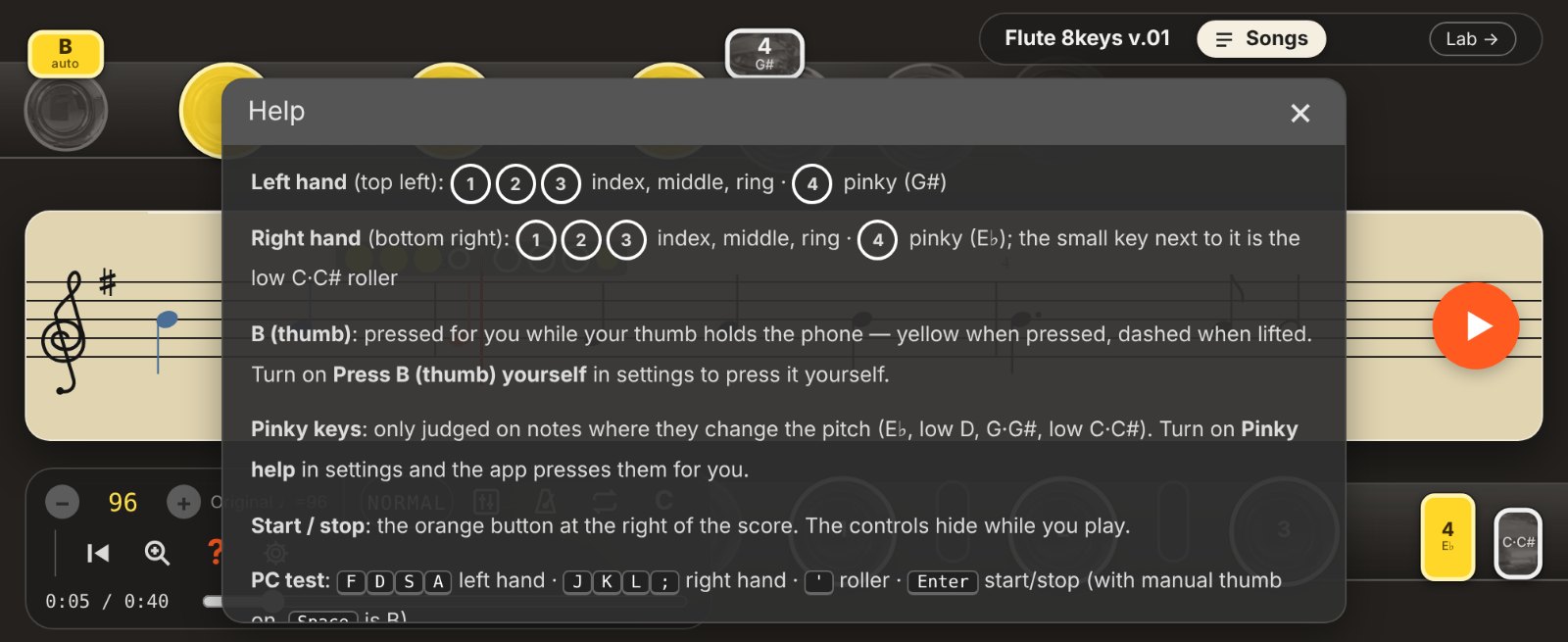
A flute fingering practice tool for your phone — no flute needed. Hold the phone sideways in both hands: your left hand plays the keys at the top left, your right hand the keys at the bottom right. Eight fingers, just like a real flute.
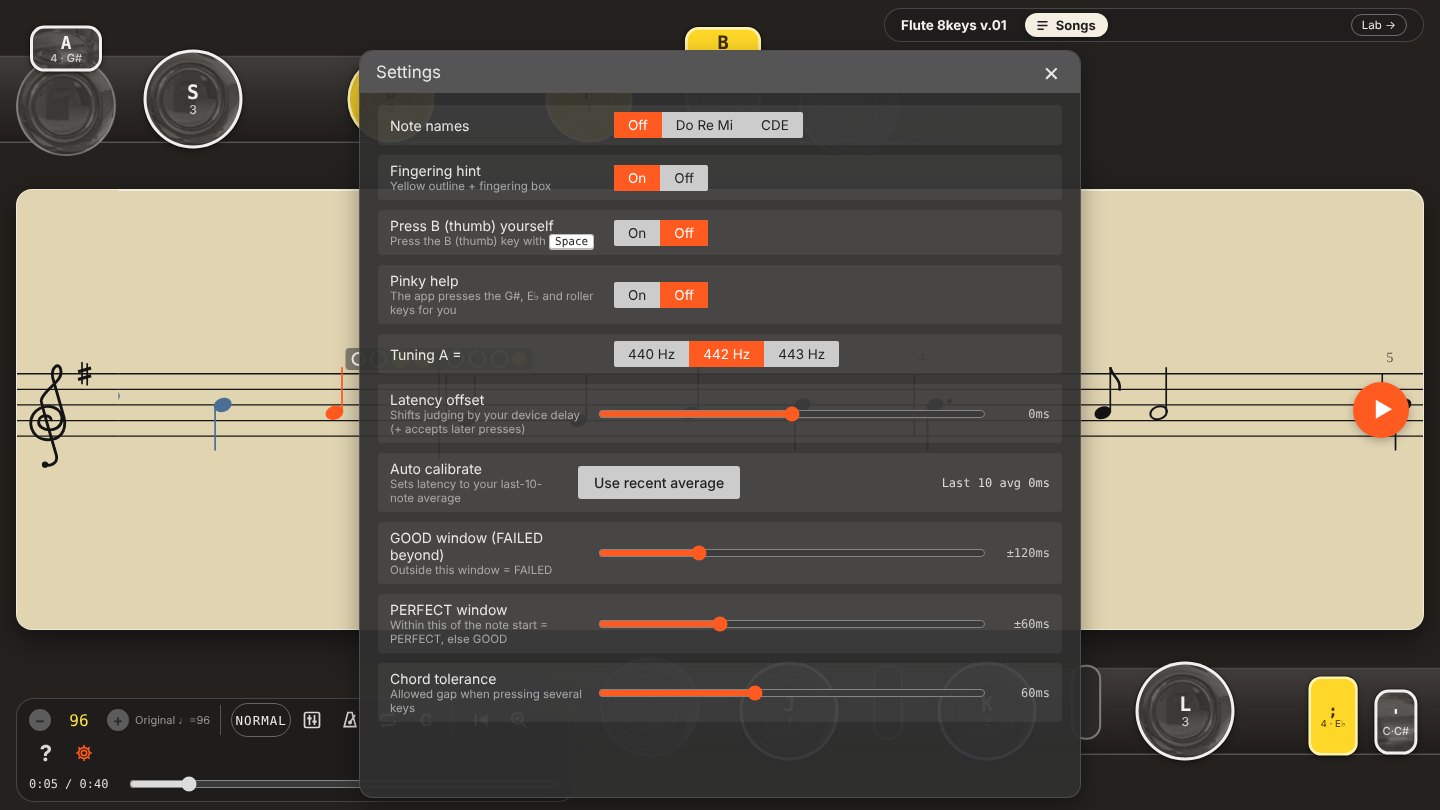
Press the right keys as each note reaches the red line. Correct fingering plays a flute sound, and each note is rated Perfect, Good or Failed. The B (thumb) key is pressed for you while your thumb holds the phone. Pinky keys are only judged where they change the pitch, and Pinky help in settings can press them for you.
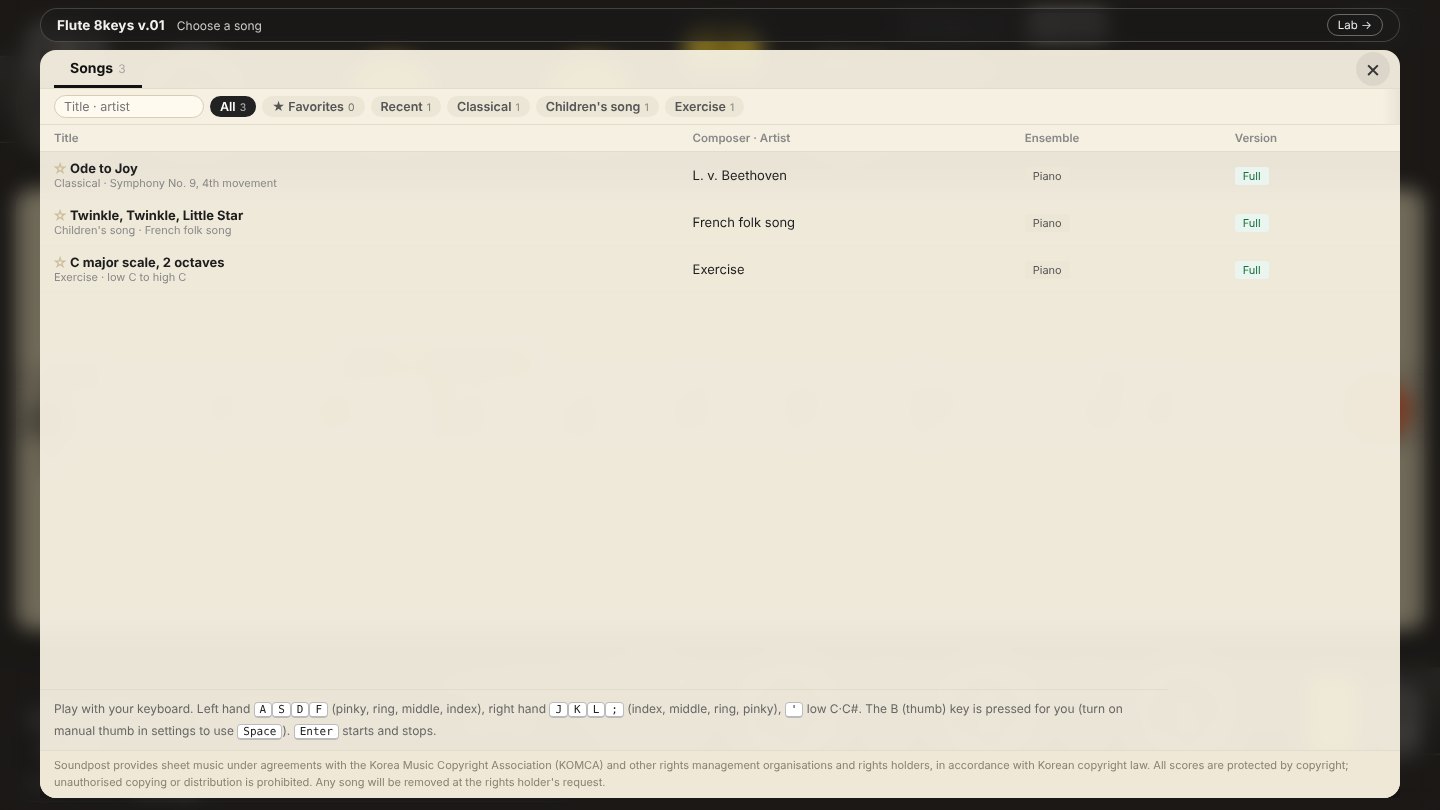
On a PC you play with the keyboard: A S D F for the left hand, J K L ; for the right hand, and ' for low C·C#. The keys on screen are laid out in the same order as your keyboard. The B (thumb) key is pressed for you; turn on "Press B (thumb) yourself" in settings to practise it with the space bar. Enter starts and stops.
Includes tempo control, loop sections, a metronome, note names and fingering hints. High notes are drawn with 8va to keep the score readable. The accompaniment plays with orchestral instrument sounds.
Opens in a new window. For tools that use the microphone, please allow access.
Be the first to comment.