Trombone 7Slides v.01
Practise trombone slide positions with real songs on smartphone and PC — no trombone needed.
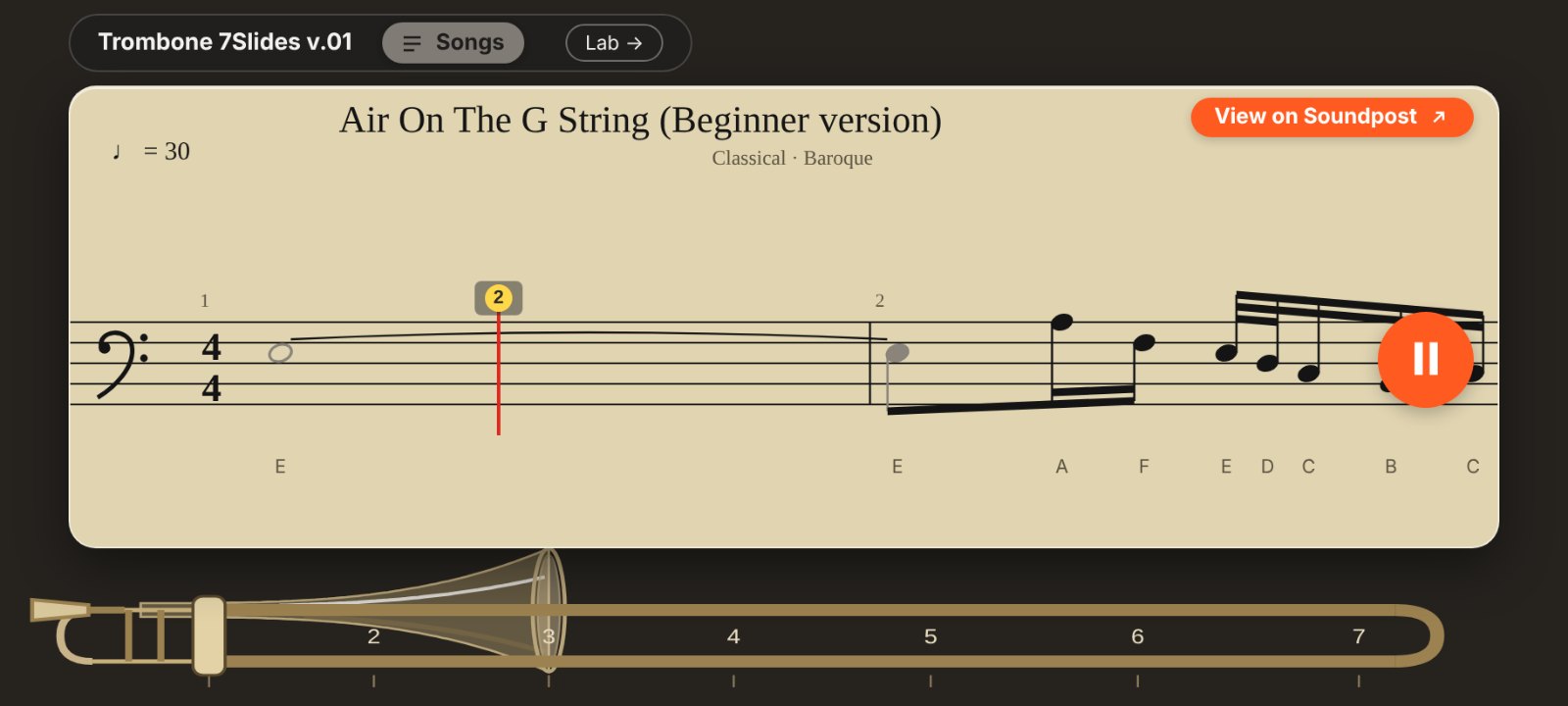
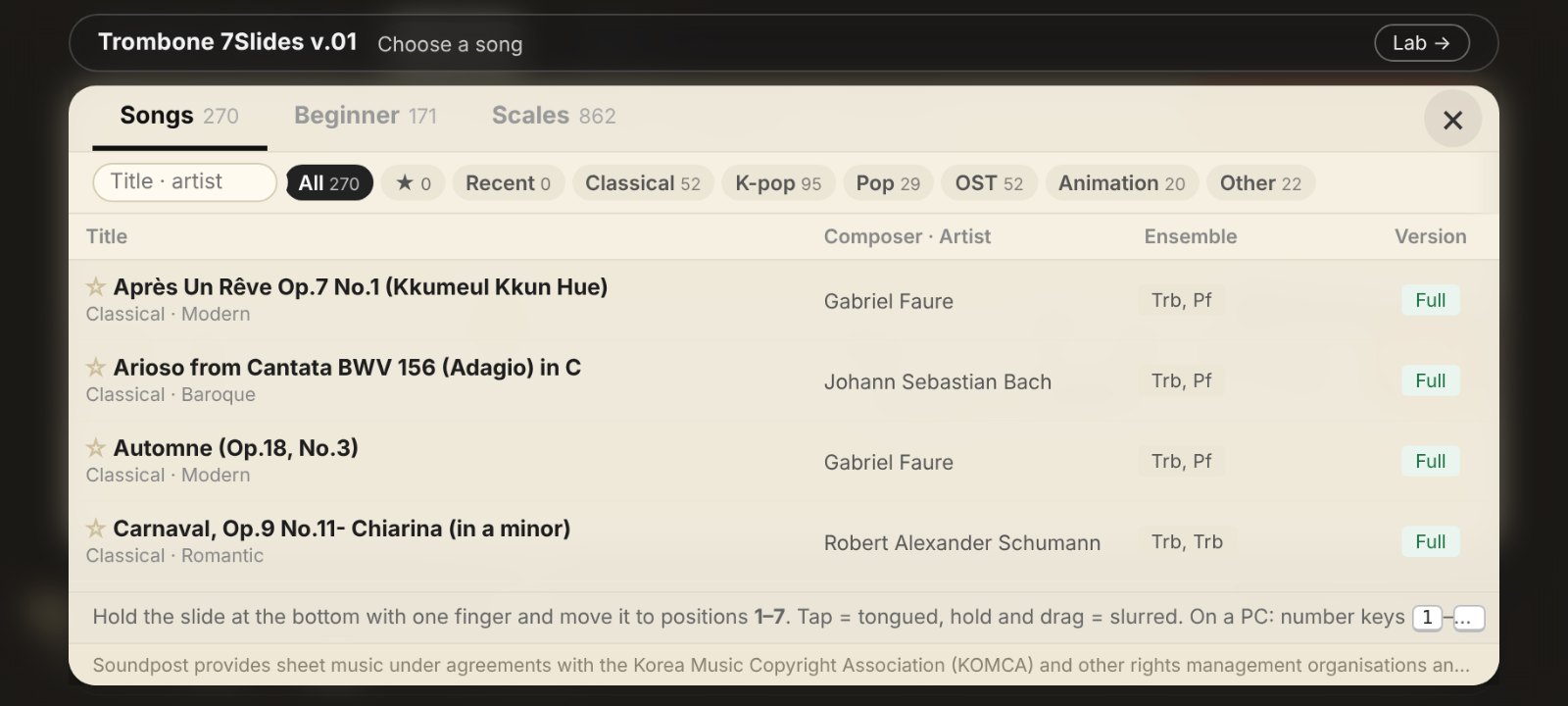
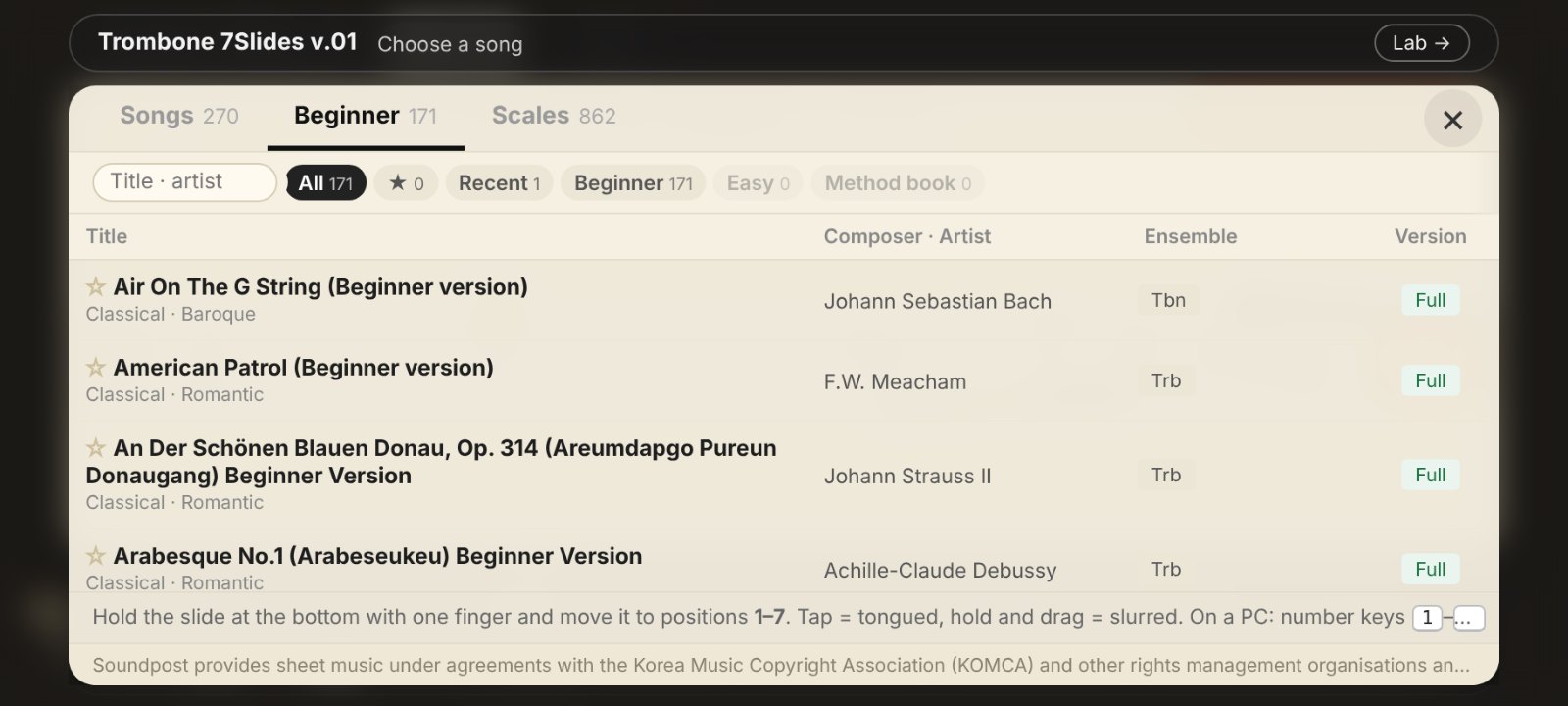
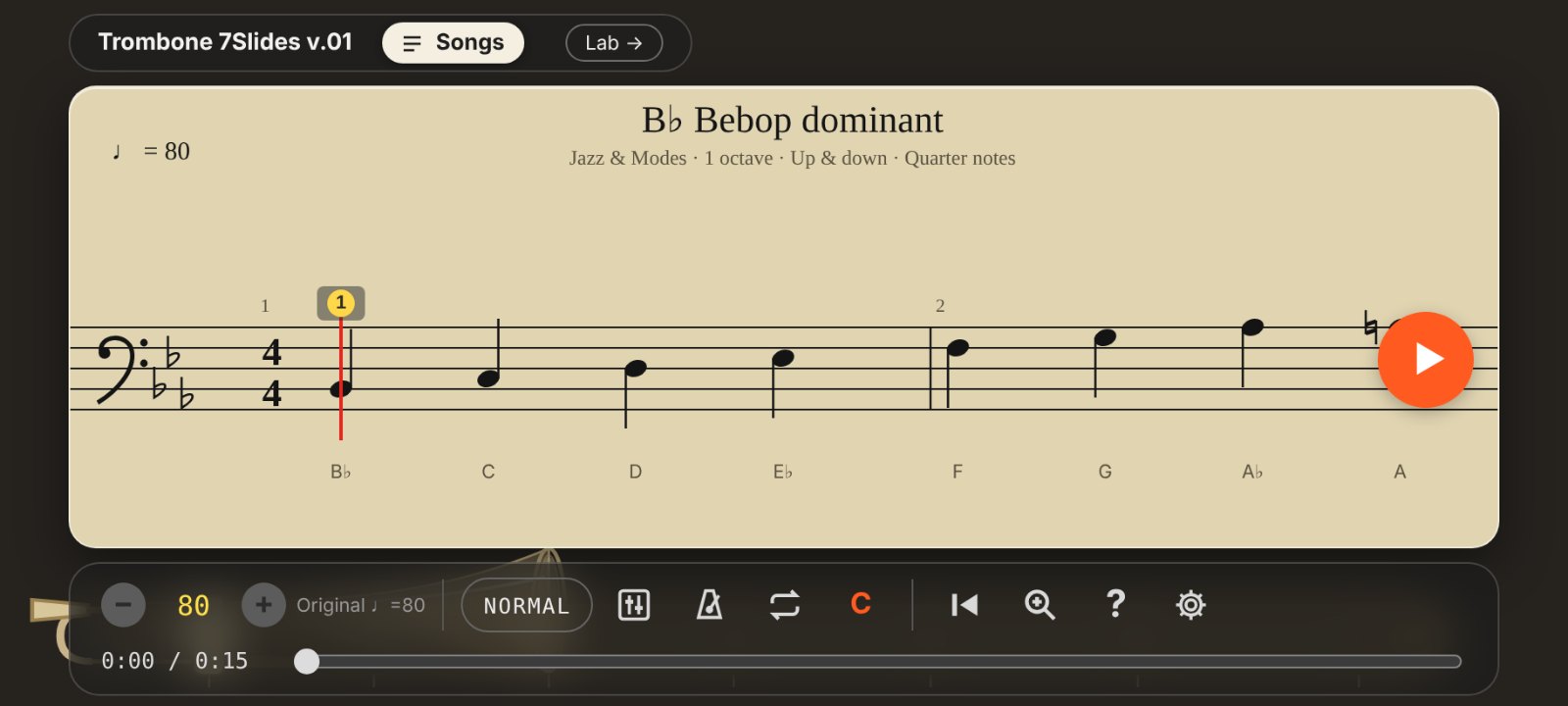
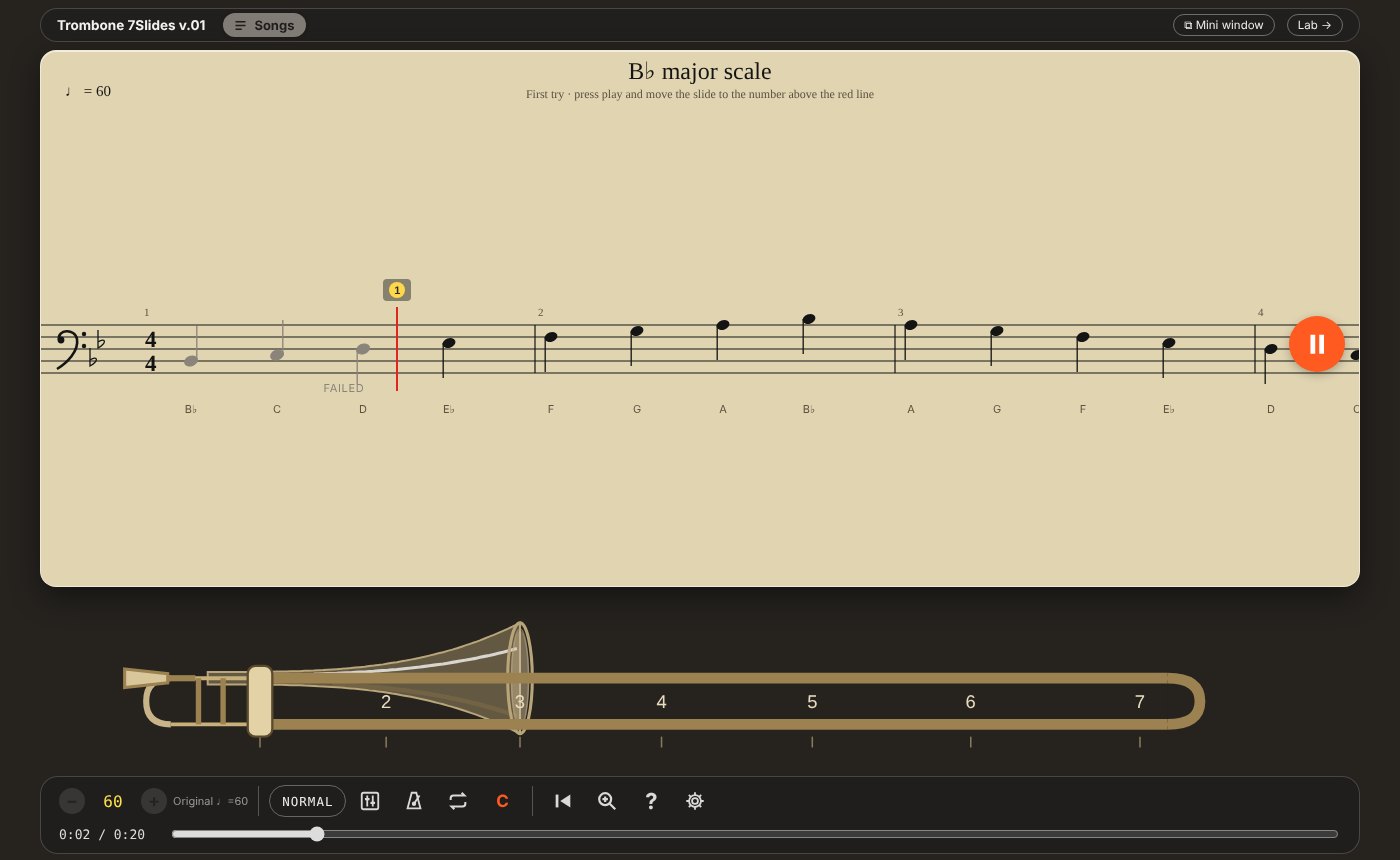
Practise the slide without taking out your trombone.
As the score scrolls, move the slide to the right position (1–7) when each note reaches the red line. Get it right and you hear the trombone, with the accompaniment.
· Hold and move the slide with one finger. Sound plays only while you press
· Tap = tongued, hold and drag = connected — choose glissando or legato for connected playing
· Wiggle gently near a position for slide vibrato
· Alternate positions count as correct. Judging: PERFECT · GOOD · FAILED (note length and articulation are not judged)
· The app opens with a B♭ major scale ready — just press play to try it
· Position hints, note names (CDE), count-in and metronome are on from the start (turn them off in Settings)
· Tempo control, section loop, judging levels (BEGINNER · NORMAL · PRO), 4 screen skins
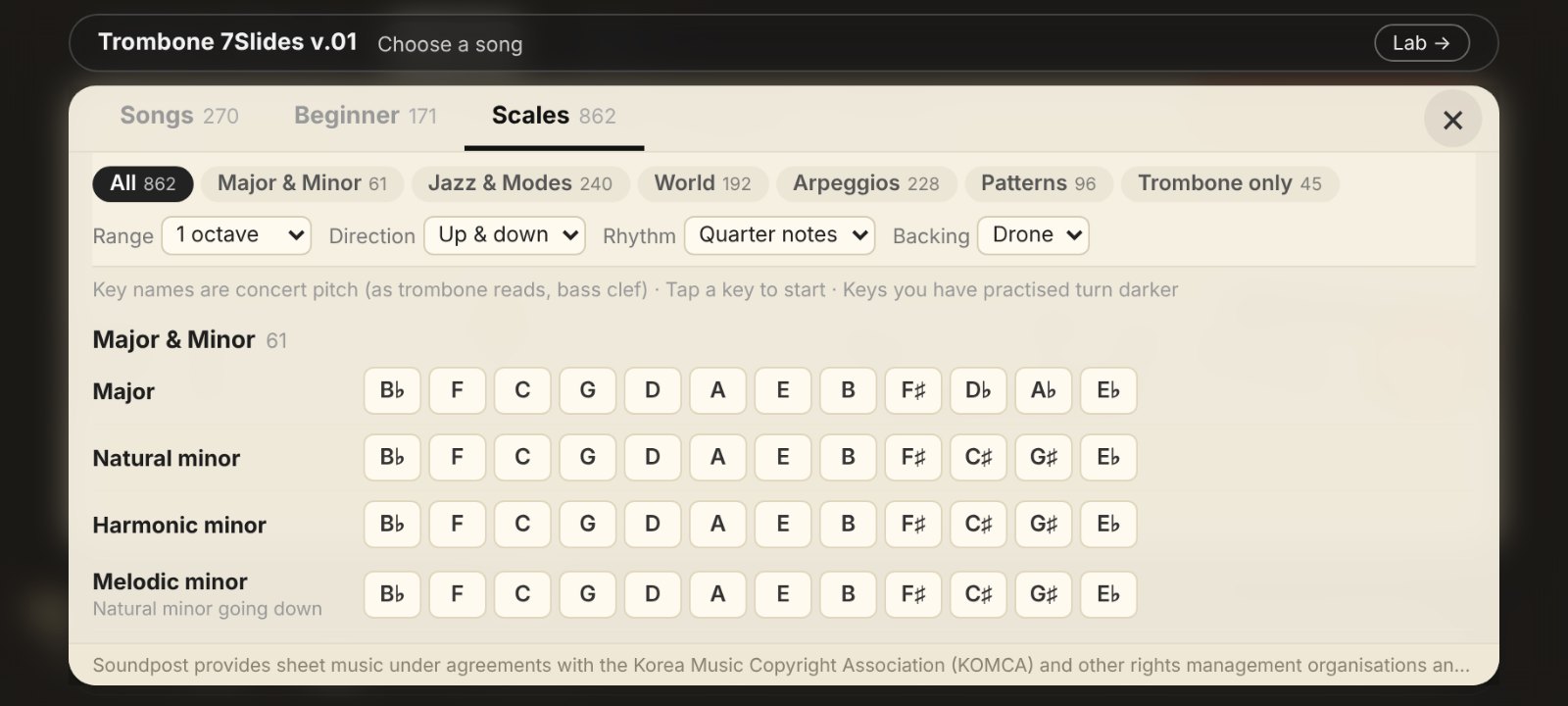
Includes: 441 songs (Songs 270 · Beginner 171; solo, duet, trio and ensemble), 862 scales
(major & minor, church modes, pentatonic & blues, jazz & bebop, melodic minor modes, world scales (Spanish, Gypsy, Arabic, Korean, Japanese and more), arpeggios, patterns, trombone lip slurs, harmonic ladders and cycles)
※ On a smartphone, hold it sideways.
※ On a PC, use the mouse: hold the right button on the slide and drag. Number keys 1–7 also work.
※ For songs with several trombone parts, you can switch which part you practise.
※ Some songs include only the opening (about 25%). Tap "View on Soundpost" to see the full score on Soundpost.
Opens in a new window. For tools that use the microphone, please allow access.
Be the first to comment.